
UPSC has released the IAS Prelims 2026 admit card right on time! If you are preparing for this prestigious civil services exam, this is absolutely crucial news for you. Your admit card is the most important document because you cannot enter the exam hall without it. Today, we will explain step-by-step how to download your admit card, what details you need to verify, and what preparation you need to complete before the exam.
📝 Editor's Note: I've personally verified this exam information against official notifications. Dates and details can change — always cross-check the latest update on the official exam website. Spot an error? Email me at support@iget.in — corrections within 24 hours.
UPSC IAS Prelims 2026 Admit Card - What Happened, Key Highlights
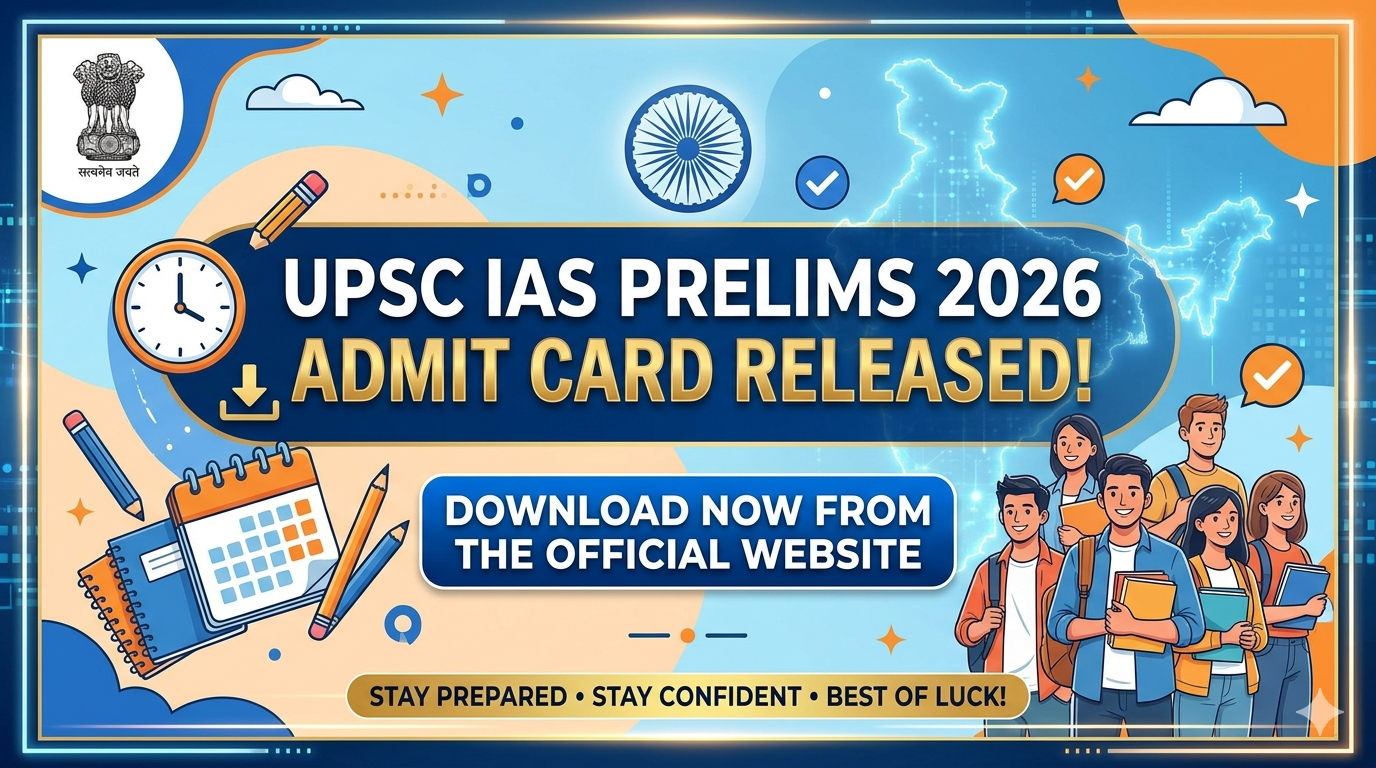
In April 2026, UPSC officially announced that the IAS Prelims 2026 admit card is now available. This admit card is only available in online format; no physical copies will be sent. All candidates who successfully applied for UPSC IAS 2026 must now download their admit card.
Why Is This News Important?
- Exam date is now completely confirmed and fixed
- Your exam center address will be mentioned in the hall ticket
- You can confirm your roll number and exam timings from the admit card
- You must carry physical copies - there is no digital option for this
Important Dates and Details - Remember Everything
The UPSC IAS Prelims 2026 schedule is quite important for your preparation. If you haven't completed your preparation yet, don't worry—you still have time, but understand the schedule properly:
Key Dates at a Glance
- Admit Card Release: April 2026
- Exam Mode: Offline (Pen & Paper)
- Duration: 2 hours (General Studies Paper)
- Total Questions: 100 MCQs
- Marking Scheme: +1.33 for correct, -1/3 for wrong
Your admit card will contain: your roll number, exam venue address, exact timing, admit card number, and important instructions. Read all of this carefully so there is no confusion on exam day.
How to Download Admit Card - Step-by-Step Guide
Now let me explain how to download the UPSC IAS Prelims 2026 admit card. This process is very simple; just follow the steps carefully:
Download Process:
- Go to UPSC Official Website: First, go to www.upsc.gov.in
- Find "Admit Card" Link: Look for "Exam" or "Recruitment" section on the homepage; you'll find the "Admit Card" option there
- Select the Correct Exam: Select "IAS Prelims 2026" from the dropdown
- Enter Registration Number and Roll Number: You need to enter your registration number and roll number (or date of birth)
- Click "Submit" Button: After submitting, your admit card will display on the screen
- Download PDF: Download the PDF using the "Download" button
- Get It Printed: Get at least 2-3 copies printed - one for the exam hall, and keep one as a backup
What If Download Isn't Working?
- Keep your internet connection clear
- Refresh your browser
- Clear cookies and try again
- Call UPSC helpline: 011-4065 3333
- Send a complaint to official UPSC email
Pre-Exam Checklist - What to Verify
After downloading your admit card, you must carefully check that everything is written correctly. If you find any mistakes, immediately inform UPSC:
Things to Check in Your Admit Card:
- Name Spelling: Is your name spelled completely correctly?
- Roll Number: Verify your roll number is correct
- Exam Venue: Check the exam center address and city - plan your travel accordingly
- Exam Date and Time: Note the day and time; don't be late
- Photograph: Your photo should be completely clear and recognizable
- Father's Name: Your father's name is written correctly
- Date of Birth: Your birth date is correct
What If There's an Error in the Admit Card?
If there are spelling mistakes or important details are written incorrectly, take immediate action. Go to UPSC's complaint portal and file a grievance. You can also send a correction request via email. But before that, attach copies of original documents or submit proof of where the error is.
Final Preparation for Exam - Last Minute Tips
Now that you have your admit card, do final preparation for exam day. IAS Prelims is extremely challenging, so every detail matters:
What to Carry to the Exam Hall (Must-Have Items)
- Admit Card: Original copy - this is mandatory
- ID Proof: Passport, Aadhaar, PAN Card, Driving License - any one
- Black Ballpoint Pen: Keep 2-3 pens with you (UPSC doesn't provide them)
- Pencil: Optional, but keep one for safety for OMR filling
- Water Bottle: The exam is 2 hours long; you'll get thirsty
- Sanitizer/Mask: This has become a habit after COVID
Cannot Carry to Exam Hall (Prohibited Items)
- Mobile phone or calculator (strict rule)
- Books, notes, rough sheets (exam hall provides these)
- Smartwatch or electronic devices
- Bags - only transparent bags are allowed
Last Week Preparation Strategy
After receiving your admit card, you should enter final revision mode. Solve mock tests, practice time management, and be careful about negative marking. IAS Prelims has 100 questions in 2 hours, so you need to complete each question in 1.2 minutes. Focus on revision; don't waste time learning new topics now.
FAQ - Frequently Asked Questions
Can I appear in the exam if I don't get the admit card?
Absolutely not! The admit card is mandatory to enter the exam hall. If you don't receive your admit card for any reason, contact UPSC immediately. The issue should be resolved 2-3 days before the exam.
What if my admit card gets lost?
If your physical copy gets lost, download it again from the UPSC website. But definitely keep a screenshot or printed copy on exam day. In an emergency, you can request a duplicate copy from the UPSC office, but it's better to avoid this situation from the start.
My exam center is very far; how do I manage travel time?
Check your exam center 1-2 days before the exam and calculate your travel time. Go to that city the day before the exam so you don't make any mistakes due to nervousness. Arrive at the exam center at least 30-45 minutes early on exam day.
I found an error in the admit card one day before the exam; what now?
Call UPSC's emergency helpline immediately. Bring your government ID along with your admit card. In most cases, an ID is sufficient for identification at the exam center. Just keep a screenshot or printed copy with you as well.
So friends, this was the complete guide to UPSC IAS Prelims 2026 Admit Card! Download your admit card, verify all the details carefully, and enter the exam hall with full confidence. All the best! 💪 If you have any other confusion, feel free to ask in the comments or share with us.
A Delhi-based developer building an honest, no-chaos study platform for Indian competitive exams. I personally review every post on iGET to ensure accuracy. Spot an error? Email me directly.